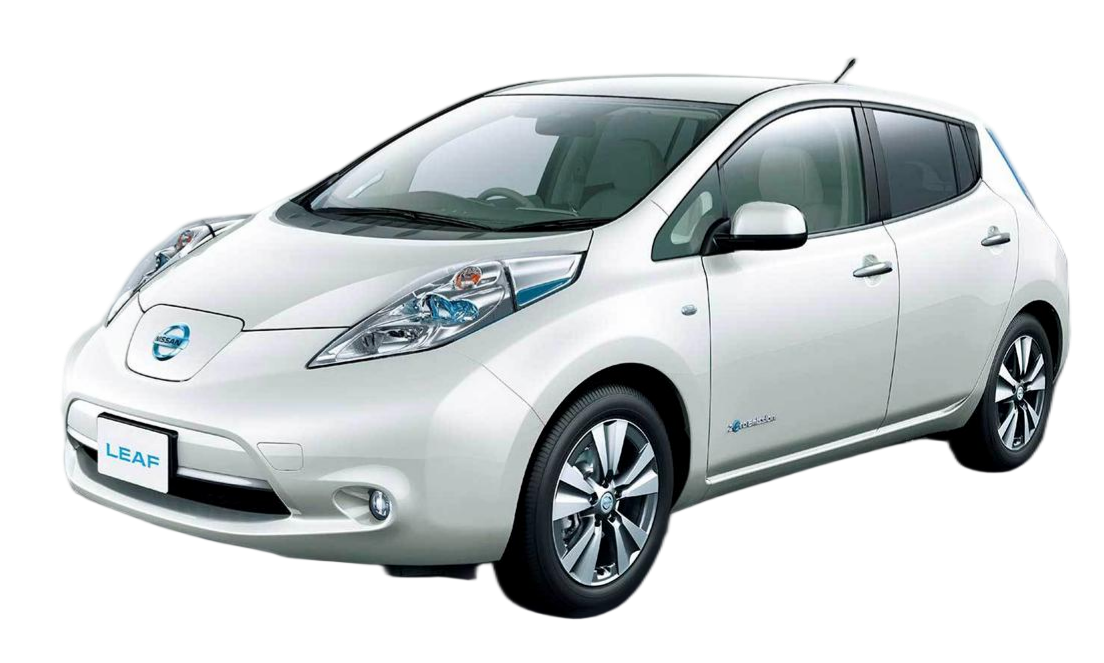
🛠️ Fixing e-NV200 Evalia Passive Cooling Issues: A Step-by-Step Guide
If you own a Nissan e-NV200 Evalia, you know how frustrating the “Turtle Mode” or sudden power loss can be, especially on hot summer days. This issue is often directly linked to the vehicle’s passive cooling system and the degradation of the original battery pack over time. As a dedicated EV battery specialist, I understand the panic that sets in when your dashboard lights up like a Christmas tree.
At CNS BATTERY, we don’t just sell replacements; we engineer solutions. Based on our decade of experience in automotive power batteries, we have developed a step-by-step approach to fix these cooling issues and restore your vehicle’s range and reliability.
🌡️ Understanding the Problem: Why Does Passive Cooling Fail?
The Nissan e-NV200 Evalia relies on a passive cooling system, which simply means it uses airflow rather than a liquid coolant to regulate battery temperature. While this design is simple, it has a critical flaw: it struggles to dissipate heat efficiently during high-load driving or in hot climates.
When the battery cells degrade (which is natural after 5+ years), their internal resistance increases. This causes them to generate more heat. The passive system can’t vent this excess heat fast enough, triggering the Battery Management System (BMS) to cut power to protect the cells—resulting in the dreaded limp mode.
The Core Issue: You cannot “upgrade” the passive cooling hardware on the original chassis. The only permanent fix is to replace the degraded battery pack with a new one that generates significantly less heat and has superior thermal stability.
📋 Step 1: Pre-Installation Assessment
Before you even open the hood, you need to verify compatibility and gather the correct tools. This is crucial because a mismatched battery can cause more thermal issues.
- Check Your VIN: Ensure your e-NV200 Evalia is a 2018-2022 model compatible with the 40kWh battery upgrade.
- Gather Tools: You will need standard wrenches (10mm, 13mm), insulated gloves, a torque wrench, and a digital multimeter.
- Prepare the Workspace: Park the vehicle on a flat surface, engage the parking brake, and disconnect the 12V auxiliary battery to ensure safety.
Expert Tip: Always upload your VIN to our compatibility checker before purchasing. We provide a free pre-sales assessment to guarantee the battery fits your specific chassis without modifications.
🔋 Step 2: Removing the Old Battery Pack
The old battery pack is the source of the heat problem. Removing it requires care to avoid damaging the surrounding chassis.
- Access the Undercarriage: The battery is located under the vehicle floor. You may need to remove protective undertrays.
- Disconnect High Voltage: Locate the main service disconnect (MSD) and remove it. Wait at least 10 minutes for capacitors to discharge.
- Unbolt the Pack: There are typically 12-16 main mounting bolts securing the battery to the chassis. Remove these systematically.
- Disconnect Cables: Carefully disconnect the high-voltage cables and low-voltage signal connectors. Label them if necessary.
Warning: Never touch the high-voltage terminals without proper insulation. Always treat the battery as live until proven dead.
✨ Step 3: Installing the CNS 50kWh Lithium Battery
This is the most critical step. Installing a new, high-quality pack solves the passive cooling issue by reducing heat generation at the source.
Why the CNS 50kWh Pack Solves the Problem:
Unlike the old, degraded cells, our brand-new CATL lithium cells have lower internal resistance. This means they run cooler, putting less strain on the passive cooling system. Additionally, our packs are engineered with enhanced thermal interface materials.
Installation Process:
- Positioning: Align the new CNS battery pack with the chassis mounting points. The design is OEM-standard, ensuring a perfect fit.
- Torque Bolts: Secure the battery using the OEM bolts. Torque them to the manufacturer’s specification (usually 80-100 Nm) to ensure a solid connection that aids in heat transfer to the chassis.
- Reconnect Harnesses: Plug in the high-voltage and signal connectors. Our connectors are color-coded and keyed to prevent incorrect installation.
- BMS Programming: This is where most DIYers get stuck. The new battery requires BMS coding to sync with the car’s ECU. We offer free remote video guidance to walk you through this step.
⚡ Step 4: Testing and Validation
Once installed, you must verify that the thermal management is functioning correctly.
- Initial Power-Up: Reconnect the 12V battery and turn the key. Check for error codes on the dashboard.
- Voltage Check: Use a multimeter to verify the voltage output matches the expected range (around 360V for a 50kWh pack).
- Test Drive: Take the vehicle for a short drive. Monitor the battery temperature gauge. With the new CNS pack, you should see temperatures remain stable, even under acceleration.
📈 The CNS Battery Advantage
By upgrading to a CNS 50kWh Lithium Battery, you are not just fixing a fault; you are upgrading your vehicle. Our packs are designed to handle the limitations of the e-NV200’s passive cooling system.
| Feature | Old Degraded Battery | CNS 50kWh New Battery |
|---|---|---|
| Cell Quality | Aged, high resistance | Brand New CATL Cells |
| Heat Generation | High (Causes Turtle Mode) | Low (Stable Temperatures) |
| Range | ~150km (Degraded) | ~348km (Real World) |
| Warranty | None | 2 Years / 80,000km |
💡 Frequently Asked Questions (FAQ)
Q1: Will a new battery actually fix the overheating if the car only has passive cooling?
Yes. The overheating is usually caused by the internal resistance of old, degraded cells generating excessive heat. New, high-quality lithium cells (like our CATL cells) have much lower resistance and generate significantly less heat. This allows the passive cooling system to work effectively again, keeping temperatures within the safe operating zone.
Q2: Is the installation really “Plug and Play”?
For the e-NV200 Evalia, the physical installation is plug and play—the connectors match the OEM harnesses perfectly. However, the BMS (Battery Management System) requires coding to communicate with your car’s computer. While the hardware fits, we strongly recommend using our free remote video support service to handle the software programming to avoid errors.
Q3: What is the real-world range improvement?
Our 50kWh pack provides a substantial upgrade over the original 40kWh. Most owners report a real-world range of 340km to 360km on a full charge. Even in summer with the AC running, you can expect stable performance around 330km, effectively doubling the usable range of a degraded old battery.
Q4: How do I get help if I encounter a problem during installation?
CNS BATTERY offers comprehensive support. If you face any issues—whether it’s a wiring confusion or a programming glitch—you can contact our technical experts. We provide free remote video guidance via Zoom or Line to walk you through the process step-by-step until the issue is resolved.
Ready to solve your e-NV200 Evalia cooling issues and double your range? Get a free custom quote today and speak to our technical experts for a seamless upgrade experience.