The Best Mobile Apps for Monitoring Your New EV Battery Health
Is your Nissan Leaf or BMW i3 showing signs of aging? Are you tired of the “Battery Degradation Anxiety” that comes with older electric vehicles? You’re not alone. As an expert in the EV aftermarket, I’ve seen countless drivers face the dilemma of skyrocketing dealership prices for new battery packs.
At CNS BATTERY, we believe that extending the life of your beloved EV shouldn’t cost a fortune. We specialize in providing OEM-compatible, brand-new battery solutions for Nissan and BMW models, saving our customers over 50% compared to original manufacturer prices. But replacing your battery is just the first step. To truly maximize your investment and ensure long-term reliability, you need to monitor your battery health effectively.
That’s why I’ve put together this guide on the best mobile apps to keep your EV’s new heart beating strong.
Why Monitoring Battery Health is Crucial
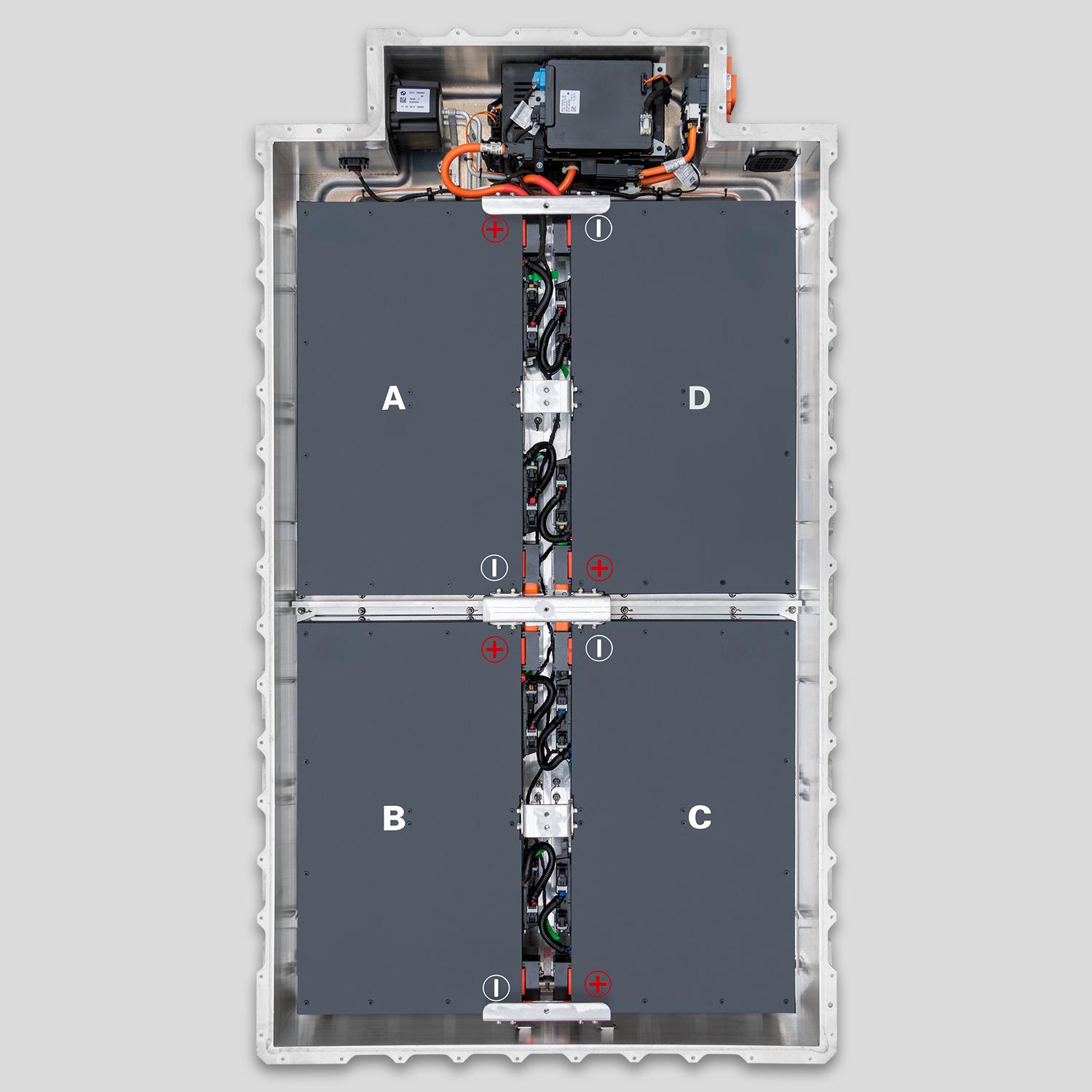
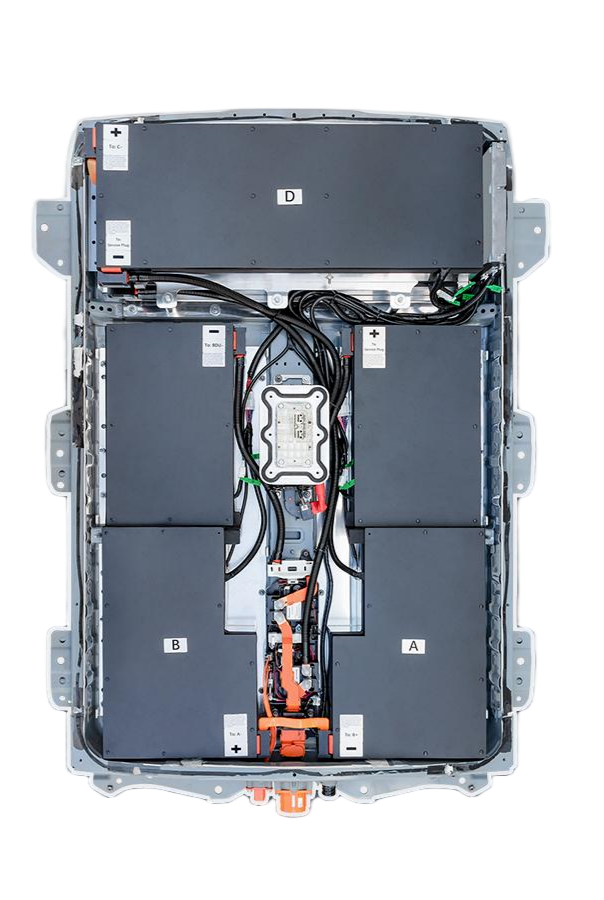
Before we dive into the apps, let’s talk about why this matters. A new battery from CNS isn’t just a replacement; it’s a revival of your vehicle’s performance. Whether you’ve upgraded to a 62kWh pack for your Nissan Leaf or a high-capacity module for your BMW i3, monitoring allows you to:
- Verify Performance: Ensure your new pack is delivering the promised range and voltage stability.
- Prevent Issues: Catch potential thermal management problems early.
- Maximize Longevity: Understand how your driving habits affect the battery’s lifespan.
Unlike refurbished or recycled batteries that come with hidden histories, a brand-new CATL cell pack from CNS offers a clean slate. Monitoring it helps you prove its superior quality.
Top 5 Mobile Apps for EV Battery Monitoring
To get the most out of your CNS battery upgrade, you need the right tools. Here are the best apps to keep an eye on your new powertrain.
1. LeafSpy Pro (For Nissan Leaf Owners)
If you drive a Nissan Leaf (ZE0, AZE0, or ZE1), LeafSpy Pro is the undisputed champion. This app connects directly to your car’s OBD-II port and provides a wealth of data that the dashboard simply doesn’t show.
- What it does: It displays real-time battery voltage, individual cell monitoring, state of health (SOH), and state of charge (SOC).
- Why use it with a CNS Battery: After installing a new CNS pack, you can use LeafSpy to confirm that all cells are balancing perfectly and that the voltage output matches the specifications of brand-new cells.
2. DashCommand
For those looking for a more customizable experience, DashCommand is a powerful OBD-II scanner app that works across various platforms (Android, iOS, and even Windows).
- What it does: It allows you to create custom dashboards. You can monitor battery temperature, pack voltage, and even create alerts for specific thresholds.
- Why use it with a CNS Battery: Our batteries are engineered to OEM standards. DashCommand helps you visualize how seamlessly the CNS battery integrates with your vehicle’s original systems, showing stable temperatures and consistent charging curves.
3. My BMW (For BMW i3 & i8 Owners)
For BMW drivers, the official My BMW app (formerly BMW ConnectedDrive) is essential. It offers a seamless, factory-level integration experience.
- What it does: It provides remote charging status, range estimation, and charging station locator.
- Why use it with a CNS Battery: While our batteries are physically and chemically identical to OEM specs, the My BMW app helps you track the real-world range improvement. You’ll see the “fuel gauge” confidence return as the app accurately reflects the full charge capacity of your new CNS pack.
4. Torque Pro
A favorite among DIY mechanics and tech-savvy drivers, Torque Pro is highly versatile and supports a massive database of OBD-II PIDs (Parameter IDs).
- What it does: It logs data, provides real-time graphs, and can even warn you about engine/battery faults.
- Why use it with a CNS Battery: If you’re installing the battery yourself (which our plug-and-play design encourages), Torque Pro is invaluable for checking for any error codes immediately after installation, ensuring a flawless setup.
5. EVNotify
Sometimes, you just need to know when your car is ready to go. EVNotify is a simple yet effective app focused on charging notifications.
- What it does: It sends push notifications to your phone when charging starts, stops, or if a fault occurs.
- Why use it with a CNS Battery: With our focus on fast-charging capabilities and safety, EVNotify gives you peace of mind. You can walk away knowing you’ll be alerted the second your car hits 100% on its brand-new cells.
Maximizing Your CNS Battery Lifespan
You’ve made the smart choice to upgrade with a CNS BATTERY. Here are a few expert tips to keep it healthy, verified by the data these apps provide:
- Avoid the 0-100% Trap: While our batteries support full charging, keeping the charge between 20% and 80% (or 90%) significantly extends the chemical lifespan.
- Mind the Heat: Use the temperature monitoring features in apps like DashCommand. Park in the shade when possible, especially in summer.
- Regular Check-ups: Just like an oil change, run a diagnostic scan every few months to ensure the BMS (Battery Management System) is communicating perfectly with the new cells.
Expert Insight: “At CNS, we use the same rigorous testing protocols as the original factories. When you see the data from these apps—stable voltages and perfect cell balance—it validates the quality of our engineering.” – CNS Technical Director.
Frequently Asked Questions (FAQ)
Q1: Are CNS batteries compatible with these monitoring apps?
Absolutely. Since CNS batteries are manufactured to exact OEM standards using brand-new CATL cells, they communicate seamlessly with your vehicle’s existing software. The apps will read the data as if it were a brand-new factory car, showing accurate State of Health (SOH) and State of Charge (SOC).
Q2: Do I need special hardware to use these apps?
Most of these apps require a standard OBD-II Bluetooth adapter (for LeafSpy, Torque, and DashCommand). The My BMW app connects directly via the car’s built-in SIM card or your smartphone.
Q3: What if I see an error code after installation?
While rare with our plug-and-play design, if an error code appears, our 24-month/80,000 km warranty and technical support team have you covered. We offer video call guidance to resolve any BMS programming or connection issues quickly.
Ready to Revive Your EV?
Don’t let battery degradation limit your adventures. With the right monitoring tools and a high-quality replacement from CNS, your Nissan or BMW can drive like new again.
Get a Free Custom Quote today and see how much you can save on a brand-new battery solution.