BMW i3 Battery BMS Reset: A Step-by-Step Guide (And When It Won’t Fix Your Real Problem)
You just installed a new or replacement battery in your BMW i3—or maybe you’re troubleshooting erratic range readings—and now you’re wondering: “Do I need to reset the BMS?”
If your dashboard shows inconsistent bars, sudden power drops, or error codes like “High-Voltage System Malfunction,” a Battery Management System (BMS) reset might seem like the magic fix. But here’s what most guides won’t tell you: a BMS reset only works if your battery cells are actually healthy.
In this guide, we’ll walk you through the correct reset procedure—and help you determine whether your real issue is deeper than software.
What Is a BMS Reset—and When Do You Actually Need One?
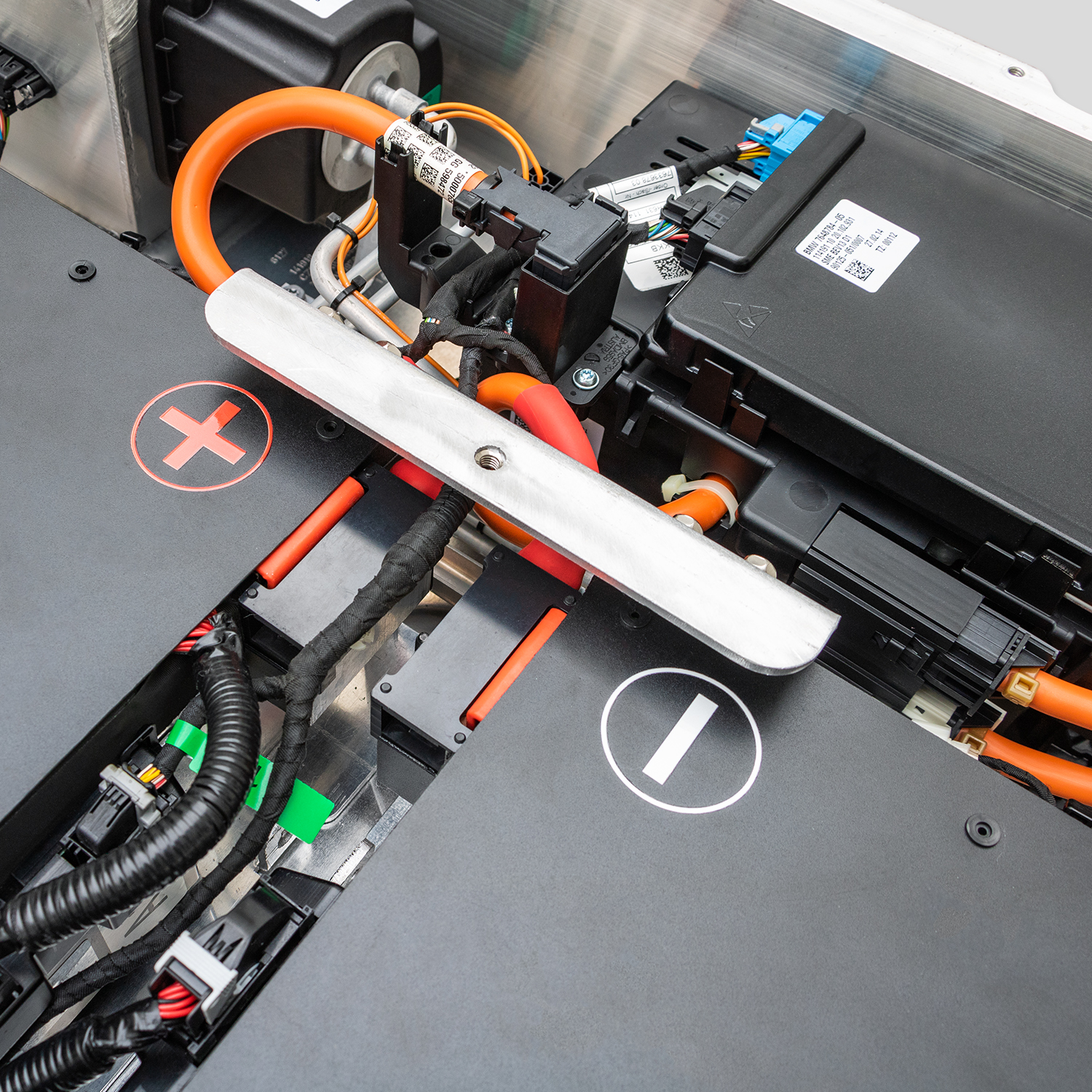
The BMS in your BMW i3 monitors cell voltage, temperature, and state of charge. Over time, especially after long storage, deep discharge, or battery replacement, it can become miscalibrated, leading to:
- False “low range” warnings
- Inaccurate bar display (e.g., stuck at 10 bars even after full charge)
- Reduced regenerative braking
- Unexpected limp-mode activation
A BMS reset (or recalibration) forces the system to relearn the true capacity and balance of the pack. But crucially: it cannot restore lost capacity or fix damaged cells.
⚠️ If your battery is degraded (≤9 bars on a full charge), a reset may temporarily “hide” the problem—but won’t solve it.
Step-by-Step: How to Perform a BMW i3 BMS Reset
This method works for 2014–2022 BMW i3 models (BEV and REx) and requires no special tools—just patience.
✅ Prerequisites:
- Your i3 must be fully charged via AC (Level 2) overnight—not DC fast charging
- Ensure the 12V auxiliary battery is healthy (≥12.4V)
- Park in a safe, level location with the parking brake engaged
🔧 Reset Procedure:
- Turn off the car and remove the key fob from the cabin.
- Wait 15 minutes to allow all systems to enter sleep mode.
- Re-enter the vehicle and press the Start/Stop button without pressing the brake (this powers up accessories only).
- Hold the “Reset” button (odometer/trip reset) on the steering column for 10 seconds until the instrument cluster flashes.
- Start the car normally (press brake + Start/Stop).
- Drive gently for 20–30 minutes—avoid hard acceleration or regen braking—to allow the BMS to recalibrate under real load.
📌 Note: Some i3 models may require a “sleep cycle”—leave the car undisturbed (locked, fob away) for 8+ hours after the reset to complete calibration.
Why a BMS Reset Might Not Work (And What to Do Instead)
If you’ve followed the steps and still see:
- Rapid range drop
- Missing battery bars
- Error messages returning within days
…your issue likely isn’t software—it’s hardware degradation.
Original BMW i3 batteries, especially those from 2014–2017, often suffer from irreversible cell wear. No amount of resetting can bring back lost lithium ions or repair swollen modules.
This is where a high-quality replacement pack changes everything.
The Smarter Solution: Start Fresh with a Calibrated, Healthy Battery
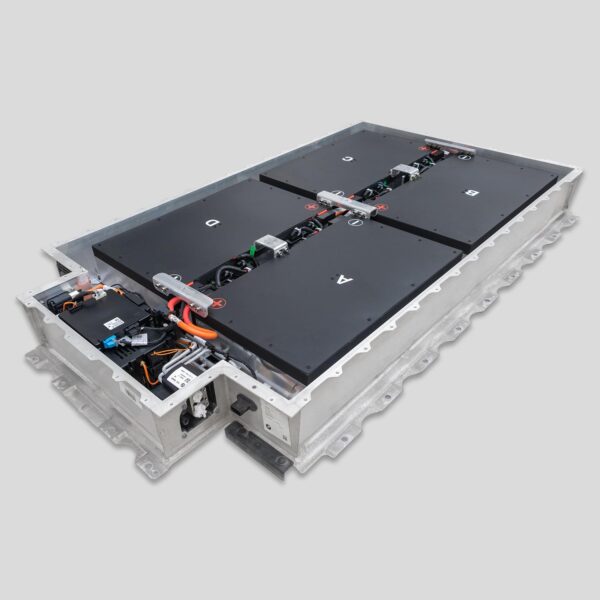
At CNS BATTERY, every BMW i3 battery pack (45kWh, 50kWh, or 62kWh) ships with:
- Factory-balanced CATL ternary lithium cells—zero degradation from day one
- Pre-calibrated BMS that communicates seamlessly with your i3’s CAN bus
- Plug-and-play installation—no coding, no reset needed in most cases
- 2-year / 80,000 km warranty with lifetime technical support
As Lisa K. from Berlin confirmed after her upgrade:
“I tried three BMS resets on my old pack—nothing helped. After installing the CNS 45kWh battery, the car recognized full capacity immediately. No errors. No tricks. Just reliable range.”
Don’t Waste Time Chasing Ghosts—Fix the Root Cause
A BMS reset is a useful diagnostic tool—but it’s not a cure. If your battery is aging, the only true fix is a healthy, modern replacement that restores both hardware and software harmony.
Need Help Deciding If a Reset—or Replacement—is Right for You?
Our engineers offer free pre-purchase diagnostics advice. Share your symptoms, model year, and battery bar count—and we’ll tell you honestly whether a reset could help… or if it’s time for a real solution.
👉 Contact CNS BATTERY Experts Now
FAQ: BMW i3 BMS Reset & Battery Health
Q: Can I reset the BMS after installing a CNS battery pack?
A: Usually not needed—our packs are pre-calibrated. But if your car shows range inaccuracies after installation, a simple drive cycle (20+ km) often completes auto-calibration.
Q: Does ISTA or E-Sys perform a deeper BMS reset?
A: Yes—dealers use ISTA to force a full BMS reinitialization. However, this still assumes the underlying cells are functional. If capacity is lost, even ISTA can’t restore it.
Q: Will a BMS reset increase my range?
A: Only if the BMS was overly conservative due to miscalibration. It won’t add kWh to a degraded pack. True range recovery requires healthy cells.
Q: How often should I reset the BMS?
A: Never as routine maintenance. Only after battery replacement, long storage (>30 days), or persistent range inconsistency.
Q: Can a weak 12V battery cause BMS errors?
A: Absolutely. The 12V system powers the BMS controller. Always test/replace your 12V battery before assuming the high-voltage pack is faulty.